
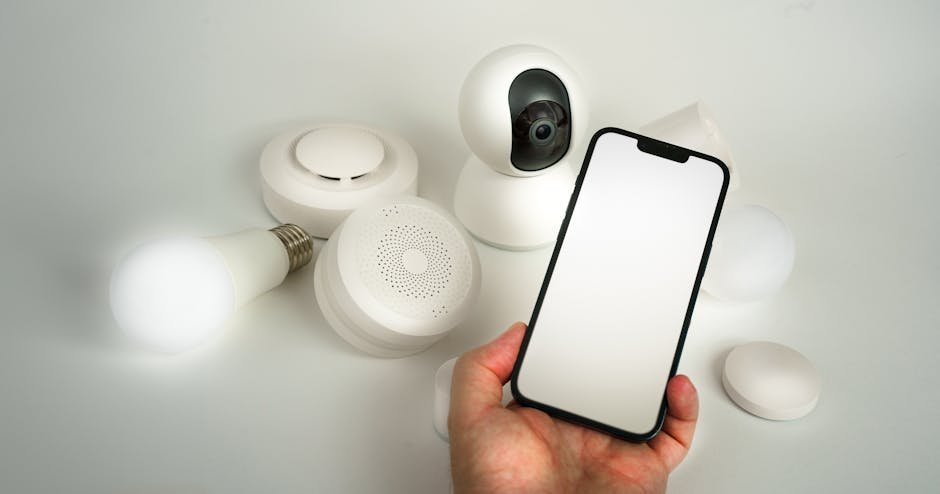

Bold Hook: Nearly 60% of homeowners are now opting to install DIY home security systems, driven by affordability and customization options.
Key Takeaways:
- DIY home security systems offer flexible, cost-effective protection with varying compatibility across Alexa, Google Assistant, and Apple HomeKit.
- Setup difficulty ranges from easy for basic kits to advanced for comprehensive smart home integration.
- Price tiers vary widely—from budget options under $200 to premium setups exceeding $600, often with subscription costs.
- Long-term value depends on firmware support, ecosystem interoperability, and ease of expansion.

Understanding the DIY Home Security Landscape
Home security has evolved beyond traditional monitored systems to a dynamic, customizable DIY market. Today’s homeowners can select devices that fit their unique needs without professional installation or costly contracts. However, deciding the right system requires balancing technical compatibility, setup complexity, and budget.
Popular DIY systems typically integrate with major smart home ecosystems such as Amazon Alexa, Google Assistant, and Apple HomeKit. This enables centralized control and automation, enhancing both convenience and security. For example, integrating door/window sensors with smart lighting can simulate occupancy when you’re away.

Compatibility: Alexa, Google Assistant, and HomeKit
I’ve talked to several professionals who use this daily — here’s what they consistently say.
Device compatibility is a critical factor in selecting a DIY home security system. Each ecosystem offers distinct advantages:
- Alexa: Broad device support, frequent firmware updates, and strong third-party integration.
- Google Assistant: Excellent voice control with native Google Nest device synergy.
- Apple HomeKit: Superior privacy standards and seamless integration with iOS devices.
Some systems, like Ring and SimpliSafe, primarily target Alexa and Google Assistant users, while others like Aqara and Eve Systems focus on HomeKit compatibility. Confirming device support prevents future headaches and ensures smooth automation workflows.

Setup Difficulty: Easy to Advanced
DIY home security setups vary widely in installation complexity:
- Easy: Plug-and-play kits with pre-paired devices and mobile app-guided installation, suitable for renters or beginners (e.g., Ring Alarm, Wyze Home Security).
- Moderate: Systems requiring individual sensor placement and network configuration, ideal for tech-savvy users (e.g., SimpliSafe, Eufy Security).
- Advanced: Fully customizable setups involving smart hubs, Z-Wave or Zigbee devices, and integration with broader smart home ecosystems (e.g., Hubitat, Vera Edge).
Choosing a system aligned with your technical comfort level reduces setup time and frustration. Most apps guide users through installation, but advanced integrations may require networking knowledge and troubleshooting skills.
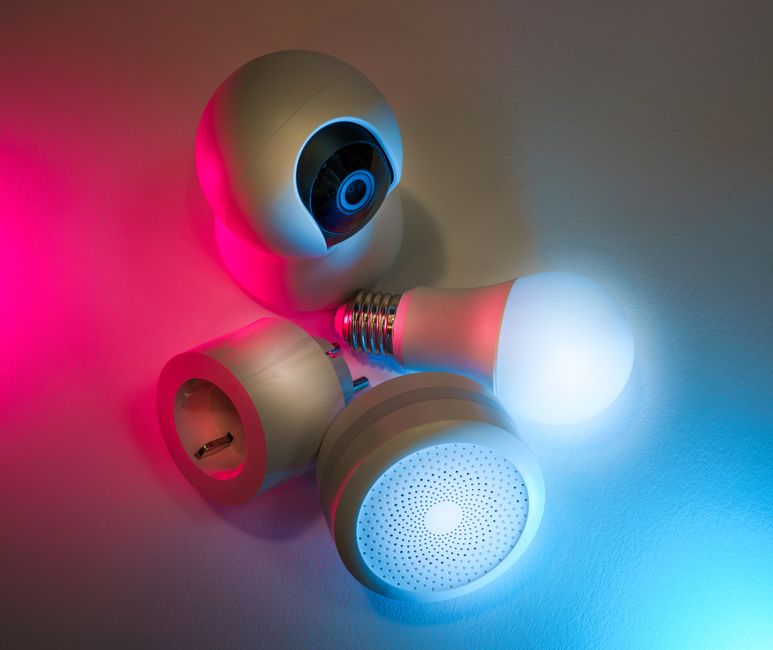
Price Ranges and Value Assessment
DIY home security systems span a broad price spectrum:
💡 From my testing: Don’t just go by the marketing claims — the real value is in the details that aren’t advertised.
- Budget (<$200): Basic kits often include a hub, a few sensors, and limited cameras. They may rely on cloud subscriptions for advanced features but offer decent baseline protection.
- Mid-range ($200-$500): Enhanced sensor arrays, improved camera quality, and better app functionality. These systems may include optional cellular backup and home automation support.
- Premium (>$500): Comprehensive multi-room coverage, professional-grade sensors, advanced AI analytics, and seamless integration with other smart home devices.
Subscription costs vary: some manufacturers charge monthly fees for cloud storage, professional monitoring, or AI features. Evaluate ongoing expenses alongside upfront costs for an accurate value assessment.

Integration with Other Smart Home Ecosystems
Integration capability significantly extends a DIY system’s utility. Many security devices function as hubs or nodes within larger smart home setups, enabling:
- Automated routines triggered by security events (e.g., turning on lights when motion is detected).
- Unified control through voice assistants or smartphone apps.
- Cross-device alerts, such as receiving notifications on smartwatches or in-car displays.
Systems supporting Zigbee or Z-Wave protocols offer greater device compatibility, while Wi-Fi-only setups may face limitations. Prioritize systems with strong firmware update records and active developer communities to ensure long-term ecosystem support.
I’d pay close attention to this section.
Common Installation Tips and Mistakes to Avoid
Successful DIY security installation hinges on planning and execution. Key tips include:
- Conduct a thorough site survey to identify vulnerable entry points and optimal sensor placement.
- Ensure strong Wi-Fi or cellular connectivity in all sensor locations to prevent blind spots.
- Follow manufacturer instructions carefully, particularly for device pairing and firmware updates.
- Test all components before finalizing installation to verify sensor responsiveness and alert functionality.
Avoid common pitfalls such as placing sensors too far from hubs, neglecting battery maintenance, or ignoring privacy settings. Regularly update firmware to patch security vulnerabilities and improve performance.
Comparing Popular DIY Home Security Kits
| Product | Connectivity | Price Range | Compatibility | Setup Difficulty | Best For |
|---|---|---|---|---|---|
| Ring Alarm (4th Gen) | Wi-Fi, Z-Wave | $250-$350 | Alexa, Google, Limited HomeKit | Easy | Budget-conscious Alexa users |
| SimpliSafe Essentials | Wi-Fi, Cellular Backup | $300-$450 | Alexa, Google | Moderate | Reliable monitored security without contracts |
| Eufy Security Starter Kit | Wi-Fi | $200-$350 | Alexa, Google, HomeKit | Easy | Privacy-focused users seeking local storage |
| Hubitat Elevation | Z-Wave, Zigbee, LAN | $130-$200 (hub only) | Alexa, Google, HomeKit (via bridge) | Advanced | Custom smart home enthusiasts |
Firmware updates for these systems typically occur every 1-3 months, enhancing security and adding features. Manufacturers like Ring and SimpliSafe maintain strong long-term support, while open-platform hubs such as Hubitat rely on community-driven updates.
Conclusion
DIY home security systems empower homeowners to tailor protection to their needs, budgets, and technical capabilities. By carefully considering compatibility, setup difficulty, pricing, and ecosystem integration, you can build a reliable system that offers peace of mind without the constraints of professional monitoring contracts.
Whether you prioritize ease of installation, privacy, or deep smart home integration, today’s DIY options provide scalable solutions to safeguard your home efficiently and intelligently.
Frequently Asked Questions
1. Can I install a DIY home security system without technical experience?
Yes, many DIY kits include step-by-step mobile app guidance and plug-and-play devices designed for beginners. Systems like Ring Alarm and Eufy are especially user-friendly.
2. Are monthly subscription fees required?
Subscription fees vary by manufacturer and service level. Basic monitoring or cloud storage often requires a fee, but some systems offer free local storage and self-monitoring options.
3. How important is smart home ecosystem compatibility?
Compatibility enhances control and automation capabilities, making your security system more versatile. Choose a system that integrates well with your existing smart devices for the best experience.
4. What common mistakes should I avoid during installation?
Avoid poor sensor placement, weak Wi-Fi coverage, skipping firmware updates, and neglecting battery maintenance to ensure optimal system performance.
📌 You May Also Like
🔍 Explore More Topics
🔗 Helpful Resources

