
Best Robot Vacuums with Self-Emptying Base in 2025: Ultimate Beginner’s Guide
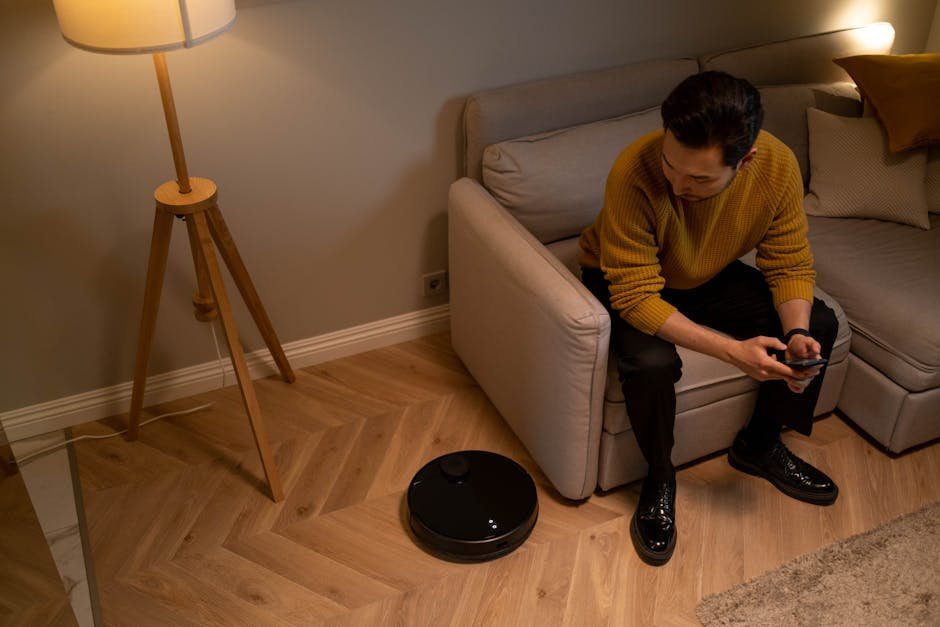
Imagine coming home after a long day and finding your floors spotless without lifting a finger — and better yet, the vacuum has already emptied itself. This isn’t science fiction anymore; it’s the reality of robot vacuums with self-emptying bases. For busy households or anyone looking to cut down on cleaning time, these smart devices offer a game-changing convenience.

What Is a Robot Vacuum with a Self-Emptying Base?
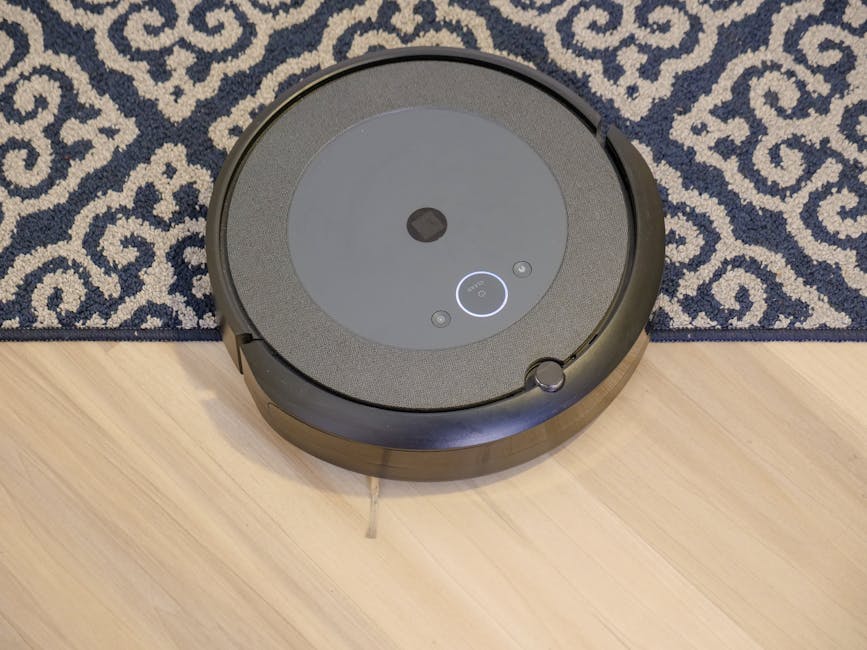
A robot vacuum with a self-emptying base is a smart cleaning device that not only autonomously vacuums your floors but also empties its dustbin into a larger base station. This means you don’t have to manually empty the robot’s dustbin after every cleaning session — the base does that for you automatically.
Think of it as a vacuum that vacuums itself, reducing maintenance frequency and improving overall convenience. These bases typically hold several weeks’ worth of dust, pet hair, and debris, making them ideal for busy lifestyles or homes with pets.
Why Do Self-Emptying Bases Matter?
Traditional robot vacuums require frequent manual emptying of the dustbin, sometimes even after every cleaning. This can be inconvenient, especially for those who want a truly hands-off cleaning experience. Self-emptying bases solve this problem by:
- Reducing Maintenance: Less frequent emptying means more time saved.
- Improving Hygiene: Dust and allergens are contained in a sealed bag or compartment, minimizing exposure.
- Enhancing Convenience: Some models even notify you when the base needs emptying, ensuring no surprises.
For smart home enthusiasts, self-emptying robot vacuums integrate seamlessly with ecosystems like Amazon Alexa, Google Assistant, and Apple HomeKit, enabling voice commands and automation.

How Do Robot Vacuums with Self-Emptying Bases Work?
These robot vacuums operate similarly to regular models, navigating your floors via smart sensors, cameras, or lidar. Here’s a simplified breakdown:
- Cleaning: The robot vacuum autonomously vacuums floors, collecting dirt and debris in its onboard dustbin.
- Docking: When the cleaning cycle finishes or the battery runs low, the vacuum returns to its charging dock, which doubles as the self-emptying base.
- Emptying: The base uses suction or a specialized mechanism to pull the dust and debris from the robot’s dustbin into a larger sealed bag or container within the base.
- Notification: Many models notify users via app alerts when the base’s dustbin is full and needs to be emptied.
This automated process minimizes user interaction, allowing for weeks of maintenance-free operation in some cases.
This is the part most guides skip over.

Getting Started: Choosing Your First Robot Vacuum with Self-Emptying Base
If you’re new to robot vacuums or upgrading from a standard model, consider the following when selecting your device:
1. Compatibility with Smart Home Ecosystems
Most top models support popular voice assistants:
- Amazon Alexa & Google Assistant: Standard on most models, enabling voice commands like “Start cleaning” or “Return to base.”
- Apple HomeKit: Less common but available on select models like the Roborock S8 Pro Ultra.
Check your home setup and pick a vacuum that fits your ecosystem for easy integration.
2. Setup Difficulty Ratings
Setup varies by model but generally falls into these categories:
- Easy: Plug in the base, connect the vacuum to Wi-Fi via app, and start cleaning.
- Moderate: May require map calibration, virtual boundary setup, or firmware updates.
- Advanced: Multi-level mapping, complex zone cleaning, or integration with multiple smart home devices.
For beginners, models rated easy or moderate setup offer the best experience.
3. Price Ranges & Value
Self-emptying robot vacuums tend to be premium-priced due to added technology. Typical price tiers include:
- Budget: $350 – $500 (Limited models with basic self-emptying functions)
- Mid-Range: $500 – $800 (Popular models with solid performance and app features)
- Premium: $800+ (Advanced navigation, multi-floor mapping, and premium app ecosystems)
Consider the frequency of use and how much convenience you want to justify the investment.
Top Robot Vacuums with Self-Emptying Bases in 2025
| Model | Connectivity | Price Range | Compatibility | Setup Difficulty | Best For |
|---|---|---|---|---|---|
| iRobot Roomba j7+ (2023) | Wi-Fi, iRobot App | $700 – $800 | Alexa, Google Assistant | Easy | Pet Owners, Beginners |
| Roborock S8 Pro Ultra | Wi-Fi, Roborock App | $1,000 – $1,200 | Alexa, Google Assistant, HomeKit | Moderate | Tech Enthusiasts, Multi-floor Homes |
| Ecovacs Deebot X2 Omni | Wi-Fi, Ecovacs App | $900 – $1,100 | Alexa, Google Assistant | Moderate | Combination Vacuum & Mop, Large Homes |
| Shark AI Ultra Robot Vacuum | Wi-Fi, SharkClean App | $600 – $700 | Alexa, Google Assistant | Easy | Budget-Conscious, Simple Setup |
Ease of Setup & App Quality
- Roomba j7+: Rated easy setup, intuitive iRobot app with frequent firmware updates.
- Roborock S8 Pro Ultra: Moderate setup, feature-rich app with advanced mapping, updates monthly.
- Ecovacs Deebot X2 Omni: Moderate, reliable app, regular firmware improvements.
- Shark AI Ultra: Easy, simple app but fewer advanced features.
Integration with Ecosystems
Roborock’s unique support for Apple HomeKit gives it an edge for Apple users, while Roomba and Ecovacs maintain strong Alexa and Google Assistant compatibility. Shark AI covers basics but lacks HomeKit.
This next part is where it gets interesting.
Advanced Tips for Using Your Self-Emptying Robot Vacuum
Once you’ve chosen your model, here are some pro tips to get the most out of your self-emptying robot vacuum:
- Set Up Virtual Boundaries: Use the app to create no-go zones around delicate items or pet bowls.
- Schedule Cleanings: Program your vacuum to run when you’re out, so floors are always clean on arrival.
- Regularly Check Base Bags: Though self-emptying reduces maintenance, the base bags or bins still need periodic emptying.
- Firmware Updates: Keep your device updated for improved navigation, bug fixes, and new features.
- Combine with Other Smart Devices: Integrate with smart lights or security systems for comprehensive automation.
Common Pitfalls to Avoid
Even the best devices have quirks. Here are some common mistakes beginners make:
- Ignoring the Base Station Placement: Place the base on a flat, open surface to ensure the vacuum docks properly.
- Not Clearing Obstacles: Remove cables, toys, and clutter to prevent navigation errors.
- Skipping App Setup: Don’t skip firmware updates or mapping calibration — they significantly improve performance.
- Overlooking Subscription Costs: Some brands offer premium mapping or cleaning features behind a subscription.
- Expecting Perfect Cleaning on First Run: Most vacuums improve after a few cleaning cycles as they learn your home layout.
You May Also Like
- Ultimate Smart Climate Control Comparison: Thermostats, Fans & Air Quality (2026)
- Best Smart Plug Energy Monitoring Devices for 2025: Data-Driven Insights
- Ultimate Smart Smoke Detector Guide for Beginners (2025 Edition)
FAQ: Your Self-Emptying Robot Vacuum Questions Answered
1. How often do I need to empty the self-emptying base?
Depending on usage and home size, base bags or bins typically last 2-4 weeks before needing emptying.
2. Are self-emptying robot vacuums noisy?
The vacuum itself is usually quiet. The base’s emptying process can be louder but lasts only 20-30 seconds.
3. Can I use a robot vacuum without the self-emptying base?
Yes, most models function normally without the base but require manual dustbin emptying after each cycle.
4. Do self-emptying bases require special bags?
Many use proprietary bags to contain dust and allergens. Check compatibility before purchasing replacements.
5. How do self-emptying vacuums handle pet hair?
They are generally excellent at handling pet hair, especially models like the Roomba j7+ designed specifically for pet owners.
6. Are there subscription fees for self-emptying robot vacuums?
Some brands, like Roborock, offer optional premium features via subscription, but basic cleaning and emptying functions work without extra costs.
Connecting This Guide to Your Smart Home
For those exploring the Best Robot Vacuums: Complete Buying Guide or comparing Roomba vs Roborock vs Ecovacs vs Dreame, self-emptying bases are the next step in convenience and automation. As you build your smart home ecosystem, these vacuums become a cornerstone for effortless floor care.
Explore related guides like Best Robot Vacuums with Self-Emptying Base and Best Robot Mop and Vacuum Combos for Hard Floors to find the perfect match for your home and budget.
With the right model, you’ll enjoy cleaner floors, less maintenance, and more time for what really matters.
Happy cleaning!
📌 You May Also Like
🔍 Explore More Topics
🔗 Helpful Resources

