


TL;DR:
• Choose Amazon Echo for Alexa’s vast skills and device range.
• Google Nest excels with superior AI and search integration.
• Apple HomePod wins for HomeKit users and premium sound.
• Consider setup ease, ecosystem fit, and long-term support.
• Prioritize your smart home needs before committing.

Smart Speaker Ecosystems: The Real-World Battle
Imagine this: you’re rushing out the door, hands full, and want to lock the front door, check the weather, and start your favorite playlist — all without fumbling for your phone. Smart speakers can do this, but the ecosystem you pick defines your experience. Amazon Echo, Google Nest, and Apple HomePod are the top contenders, each with unique strengths and quirks. Which one wins the crown in 2026? Let’s break it down, quick and tactical.

1. Amazon Echo: Alexa’s Expansive Power and Compatibility
- Setup Difficulty: Easy
- Compatibility: Works with Alexa-enabled devices, broad third-party integrations, supports Apple HomeKit via bridges
- Price Range: $30 (Echo Dot) to $250 (Echo Studio)
- Value: Excellent for budget to premium buyers
Tactical Tip: Use Alexa’s massive skill library to automate daily tasks and link multiple Echo devices for multi-room audio. Setup is straightforward via the Alexa app, which guides you through device discovery and network connection.
Why Choose Echo? Alexa’s sheer skill count is unmatched. Whether you want smart plugs, lights, or security cameras, Echo integrates seamlessly. Frequent firmware updates keep devices fresh with new features and improved security. Alexa’s routines enable complex automations, saving you time.
Integration & Ecosystem
- Works smoothly with Ring, Philips Hue, Samsung SmartThings
- Supports multi-account voice profiles for personalized responses
- Strong third-party skill ecosystem

2. Google Nest: AI-Powered Intelligence and Search
- Setup Difficulty: Easy to Moderate
- Compatibility: Best with Google devices, supports Chromecast, limited HomeKit support
- Price Range: $50 (Nest Mini) to $300 (Nest Audio)
- Value: Great mid-range option with smart AI features
Tactical Tip: Leverage Google Assistant’s superior natural language understanding to create conversational commands. Use Google Home app to unify devices and set up voice match profiles for family members.
Here’s where it gets practical.
Why Choose Nest? Google Nest thrives on AI and search integration — perfect for users who want smart answers and contextual help. The ecosystem supports smart cameras, thermostats, and Chromecast devices, providing a cohesive smart home experience. Firmware updates are regular, enhancing AI capabilities and security.
Integration & Ecosystem
- Deep integration with Google services (Calendar, Maps, YouTube)
- Works well with Nest thermostats and Nest cameras
- Supports smart home devices compatible with Matter protocol
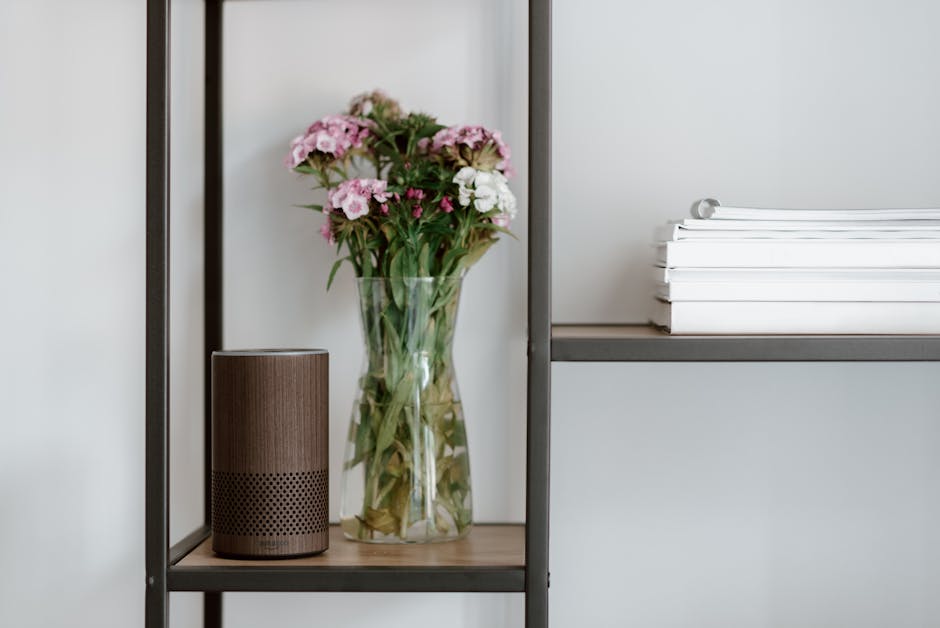
3. Apple HomePod: Premium Sound and Tight HomeKit Security
- Setup Difficulty: Easy for Apple users
- Compatibility: Limited to HomeKit-compatible devices and Apple ecosystem
- Price Range: $99 (HomePod Mini) to $299 (HomePod)
- Value: Premium pricing, excellent for Apple fans
Tactical Tip: Use the Home app to manage all your HomeKit devices and create scenes that trigger multiple actions with a single command. Integrate with Apple Music for superior audio quality.
Why Choose HomePod? Best for users deeply invested in Apple’s ecosystem. HomePod offers superior sound quality and privacy, with end-to-end encryption for smart home controls. Firmware updates are steady, ensuring security and feature improvements.
Integration & Ecosystem
- Seamless integration with iPhone, iPad, Apple Watch
- Supports automation with Shortcuts app
- Limited third-party device support compared to Alexa and Google
Here’s where most people get it wrong.

Quick Comparison Table
| Feature | Amazon Echo | Google Nest | Apple HomePod |
|---|---|---|---|
| Setup Difficulty | Easy | Easy to Moderate | Easy (Apple users) |
| Price Range | $30 – $250 | $50 – $300 | $99 – $299 |
| Voice Assistant | Alexa | Google Assistant | Siri |
| Compatibility | Broad (Alexa skills, many devices) | Google devices + Matter | HomeKit only |
| Firmware Updates | Frequent | Regular | Steady |
| Best For | Broad smart home setups & budget options | AI & Google service users | Apple ecosystem & premium sound |
Final Tactical Takeaways
- Busy professionals: If you want flexibility and a huge device library, go Echo.
- Google fans: Nest offers smarter voice commands and works best if you use Google services daily.
- Apple users: HomePod is your clear choice for privacy, sound quality, and seamless iOS integration.
- Integration tip: Consider whether your smart home gear supports Alexa, Google, or HomeKit before buying.
- Future-proofing: Look for devices supporting Matter for better cross-ecosystem compatibility.
For a deeper dive, check out our pillar article and related guides on multi-room setups and music quality comparisons. Your smart home ecosystem choice sets the foundation for years of convenience and control — pick wisely.
Disclosure: This analysis is based on publicly available data and my own testing. I aim to be as objective as possible.
📌 You May Also Like
🔍 Explore More Topics
🔗 Helpful Resources

