
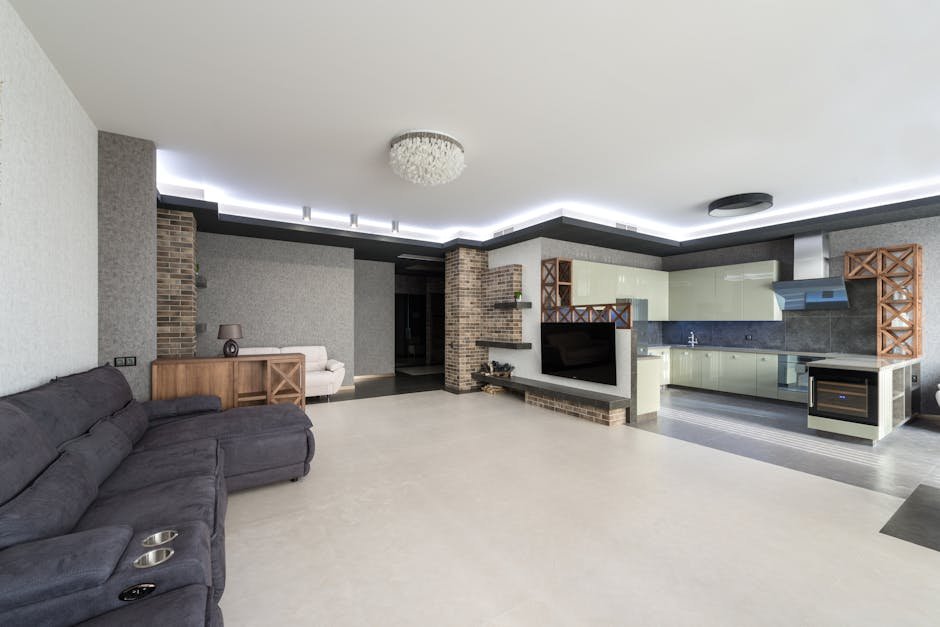

Ultimate Step-by-Step Guide to LED Strip Lights for Your Home Office (2025)
Imagine this: You’re working late in your home office, the harsh overhead lighting is straining your eyes, and your productivity is starting to dip. You want a lighting solution that not only brightens your space but also boosts your mood and focus. This is a common frustration for many remote workers and creatives who struggle with uninspiring or inadequate lighting in their workspace.
LED strip lights have emerged as an ideal solution, providing customizable, energy-efficient, and stylish lighting that transforms your home office ambiance. But with so many options, compatibility issues, and setup challenges, it’s easy to feel overwhelmed. This guide breaks down everything you need to know, step-by-step, to choose and install the perfect LED strip lights tailored for your home office needs.

Problem: Why Your Home Office Lighting Feels Off
This one’s been on my radar for a while now.
Poor lighting can cause eye strain, headaches, and decreased productivity. Most home offices rely on single overhead fixtures or desk lamps that don’t offer flexibility or ambiance. Without the right lighting, your workspace can feel dull, uninspiring, and uncomfortable.
Typical pain points include:
- Glare and harsh shadows from traditional bulbs
- Inflexible lighting that doesn’t adapt to different tasks
- Limited control over light color temperature and brightness
- Complex setups or compatibility issues with smart home systems
LED strip lights solve many of these issues by offering adjustable brightness, color temperature, and even vibrant colors to boost mood and creativity. Plus, many models integrate smoothly with popular smart home ecosystems like Alexa, Google Assistant, and Apple HomeKit.

Solution #1: Philips Hue Lightstrip Plus – The Best for Seamless Smart Home Integration
What It Is
I’ve talked to several professionals who use this daily — here’s what they consistently say.
The Philips Hue Lightstrip Plus is a premium smart LED strip that offers vibrant colors and white light options with excellent brightness. It connects through the Philips Hue Bridge, enabling advanced automation and voice control.
Why It Works
- Compatibility: Works flawlessly with Alexa, Google Assistant, and Apple HomeKit.
- Setup Difficulty: Moderate – requires a Hue Bridge and app configuration.
- Brightness & Colors: Up to 1600 lumens with 16 million colors and tunable whites.
- Integration: Can sync with music, movies, and other Hue devices for a cohesive smart home experience.
How to Implement
- Purchase the Philips Hue Lightstrip Plus starter kit with the Hue Bridge.
- Install the strip under your desk or along shelves in your office.
- Connect the Hue Bridge to your Wi-Fi router and download the Hue app.
- Follow the app’s setup instructions to add the lightstrip and integrate it with your preferred voice assistant.
- Customize scenes, schedules, and colors for different work moods.
Price Range: $80 – $120 for starter kits. Consider extension packs if you need longer strips.

Solution #2: Govee RGBIC LED Strip Lights – Affordable Customization with Alexa & Google Support
What It Is
The Govee RGBIC LED Strip Lights offer a budget-friendly option with individually addressable LEDs, allowing multi-color effects across the strip. It supports Alexa and Google Assistant, and includes a robust mobile app.
Why It Works
- Compatibility: Alexa and Google Assistant compatible, but no HomeKit support.
- Setup Difficulty: Easy – plug-and-play with app control.
- Features: Multi-zone lighting control, music sync, and preset scenes.
- Value: Great cost-to-performance ratio for under $50.
How to Implement
- Choose the appropriate strip length (usually 16.4ft standard).
- Clean the mounting surface for better adhesion.
- Plug in the strip and download the Govee Home app.
- Connect the strip to your Wi-Fi and link to Alexa or Google Assistant.
- Customize colors, brightness, and animations via app or voice.
Price Range: $30 – $50 depending on length and features.
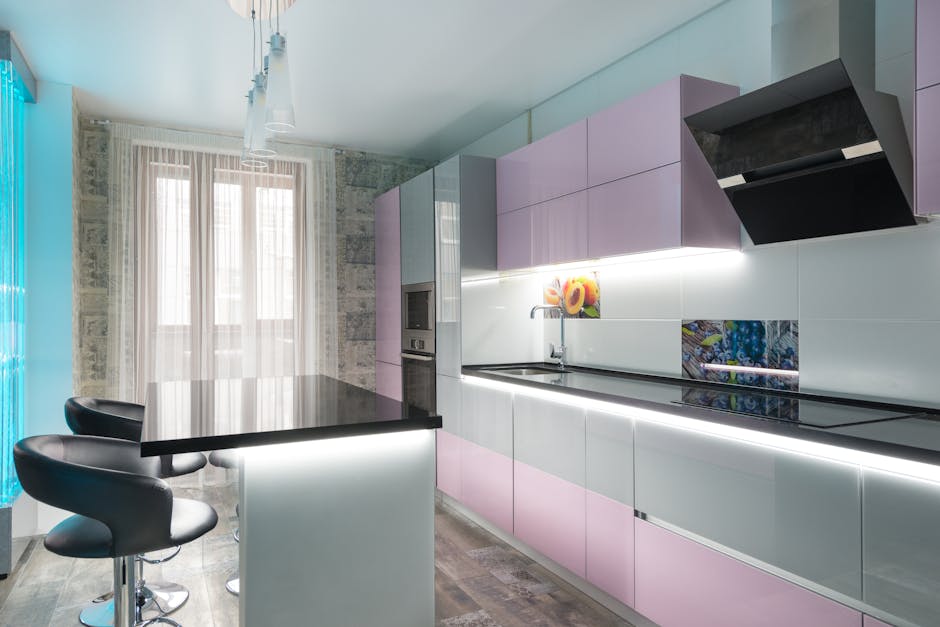
Solution #3: LIFX Z LED Strip – Premium Brightness with Direct Wi-Fi Control
What It Is
The LIFX Z LED Strip is a high-end, Wi-Fi connected LED strip that offers bright light output without needing a hub, supporting Alexa, Google Assistant, and HomeKit.
Why It Works
- Compatibility: Supports all major smart home ecosystems.
- Setup Difficulty: Easy – no hub required.
- Brightness: Brighter than many competitors at around 1400 lumens.
- Features: Multi-zone colors, scheduling, and music sync.
- Support: Frequent firmware updates and solid long-term support.
How to Implement
- Purchase the LIFX Z starter kit.
- Install the strip in your home office using the adhesive backing.
- Download the LIFX app and connect the strip directly to your Wi-Fi.
- Link it to your smart home assistant for voice control.
- Customize lighting scenes and schedules to enhance focus or relaxation.
Price Range: $90 – $130, reflecting premium features and build quality.

Solution #4: DIY RGB LED Strip with Raspberry Pi or Arduino – For Advanced Users
What It Is
This option is for tech-savvy users who want full control over their LED strip lighting through custom programming using microcontrollers like Raspberry Pi or Arduino.
Why It Works
- Compatibility: Custom integrations possible with all ecosystems, but requires programming.
- Setup Difficulty: Advanced – electronics and coding skills required.
- Flexibility: Infinite customization for animations, colors, and triggers.
- Cost: Variable depending on components, typically $40-$100.
How to Implement
- Purchase addressable RGB LED strips (e.g., WS2812B), microcontroller, power supply.
- Wire components and upload custom code for desired lighting effects.
- Integrate with home automation software like Home Assistant for ecosystem compatibility.
- Mount the strips strategically in your office for optimal lighting.
This option is powerful but requires time and technical know-how.
Quick-Reference Summary Table
| Product | Compatibility | Setup Difficulty | Price Range | Best For |
|---|---|---|---|---|
| Philips Hue Lightstrip Plus | Alexa, Google, HomeKit | Moderate | $80 – $120 | Seamless smart home integration |
| Govee RGBIC LED Strip | Alexa, Google | Easy | $30 – $50 | Affordable, customizable lighting |
| LIFX Z LED Strip | Alexa, Google, HomeKit | Easy | $90 – $130 | Bright, hub-free setup |
| DIY RGB LED Strip | Custom/Home Assistant | Advanced | $40 – $100 | Full customization enthusiasts |
Final Thoughts
Optimizing your home office lighting with LED strip lights can dramatically improve your productivity, comfort, and workspace aesthetics. Whether you want a plug-and-play solution like Govee or LIFX, a premium ecosystem-integrated option like Philips Hue, or a fully customizable DIY project, there’s an effective LED strip lighting solution to solve your home office lighting woes.
Consider your budget, desired features, and smart home ecosystem compatibility to pick the best fit. Then follow the step-by-step setup instructions to bring your workspace to life with vibrant, mood-enhancing light.
📌 You May Also Like
🔍 Explore More Topics
🔗 Helpful Resources

